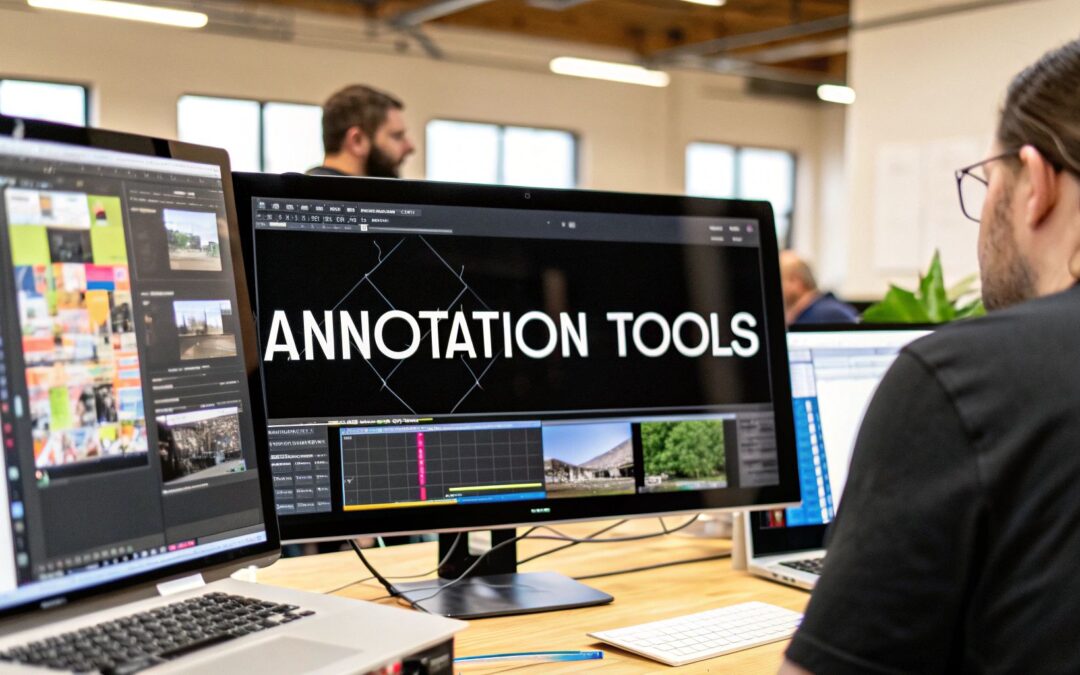
One of the most widely used computer vision annotation tools is named after the job itself. CVAT stands for Computer Vision Annotation Tool, its GitHub repository was created in June 2018, and it now has about 17,000 stars. It has recently started labeling audio as well. Meanwhile the default choice for teams on AWS has quietly gone: Amazon SageMaker Ground Truth is no longer open to new customers, according to AWS documentation, and Amazon Mechanical Turk, the crowd behind its public workforce, closed on 30 September 2026.
So the shortlist looks different in late 2026. Below are eight image and video annotation tools we checked on their official sites this month, with what each does well, who it suits and what to check before you commit. They come after our first entry, which is not a tool but the trained annotators who can work in any of them. If your data is mostly text, audio or LLM output, our guide to data annotation platforms covers those instead.
Computer vision annotation tools compared
| # | Option | Type | Strongest at | Free way in |
|---|---|---|---|---|
| 1 | Zilo AI | Managed annotators who work in your tool | Boxes, polygons, masks, keypoints, video tracking, LiDAR | Pilot batch |
| 2 | CVAT | Open source, cloud and enterprise | All-round image, video and 3D labeling | Community edition and free Online plan |
| 3 | Roboflow | Cloud platform from labeling to deployment | Fast object detection projects | Free tier |
| 4 | V7 Darwin | Commercial platform | Medical images, video tracking | Ask sales |
| 5 | Supervisely | Platform with app ecosystem, on-premise option | Image, video, LiDAR and DICOM in one place | Community edition |
| 6 | Encord | Commercial data platform | Video, LiDAR and sensor fusion for physical AI | Starter plan |
| 7 | SuperAnnotate | Commercial multimodal platform | Teams mixing vision with LLM work | Ask sales |
| 8 | Label Studio | Open source plus Enterprise | Custom image annotation tool layouts | Open source edition |
| 9 | Keylabs | Commercial platform from Keymakr | Image, video and 3D with optional labeling team | Free trial |
1. Zilo AI
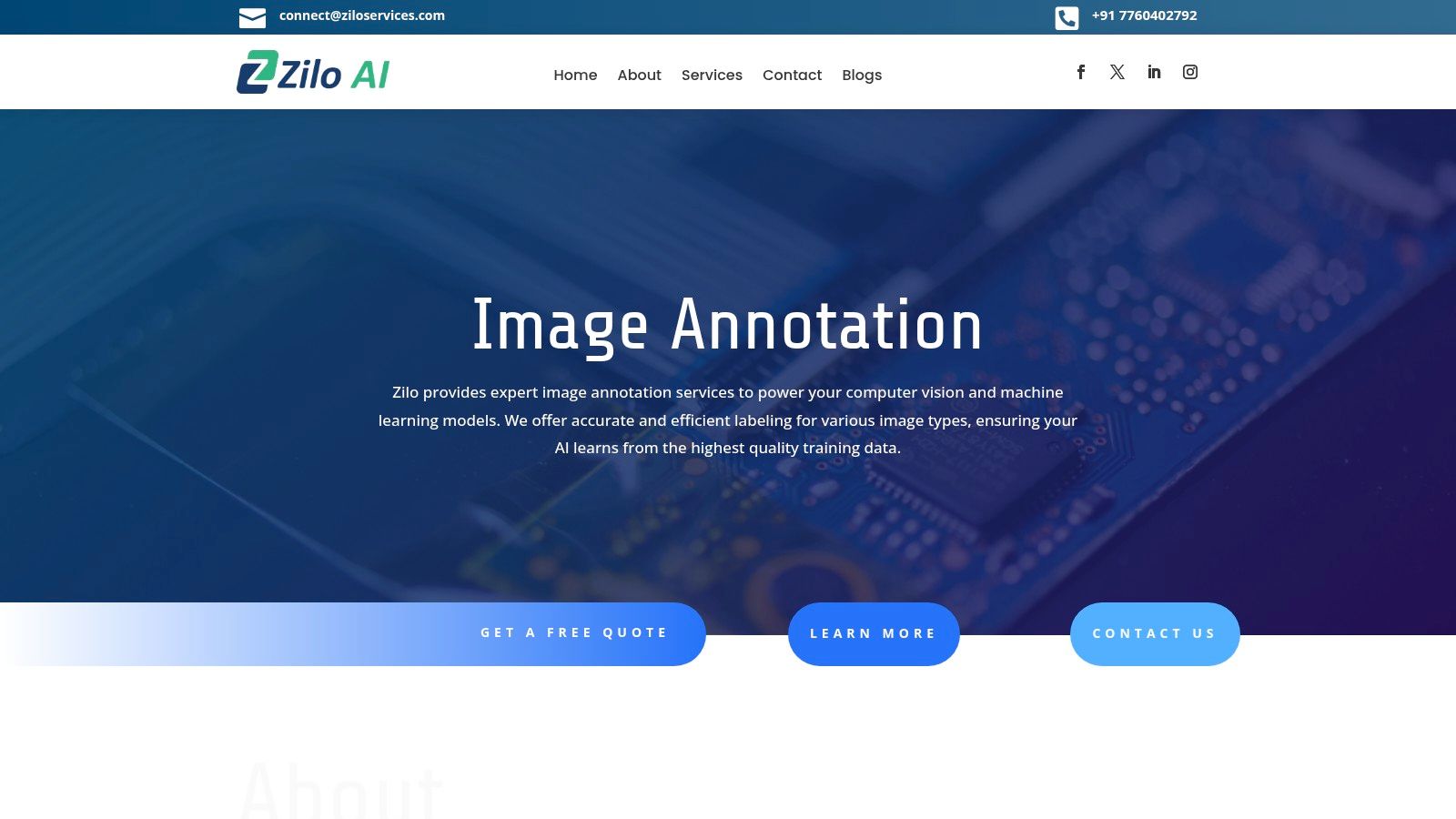
Zilo AI does not sell a computer vision annotation tool. It supplies the annotators and reviewers who work inside one, and its own service pages name CVAT, Label Studio, Labelbox, SuperAnnotate, Encord and V7 among the platforms its teams use, as well as clients’ in-house tools. That matters because the tool is rarely the bottleneck. Drawing hundreds of thousands of polygons consistently, to a guideline that changes twice in the first month, is a people and process problem.
For image annotation, Zilo’s teams do 2D and rotated bounding boxes, polygons, semantic, instance and panoptic segmentation, keypoints and pose, classification and attribute tags, OCR regions, and 3D cuboids on LiDAR and radar point clouds. For video annotation, they add frame-by-frame labels, action and event timestamps, and multi-object tracking with IDs that hold across a clip. Delivery formats include COCO, YOLO, Pascal VOC and custom JSON. Zilo says its team of over 1,600 trained annotation and ASR experts, based in Bangalore, has annotated more than 10 million data points.
Who it suits: teams that have chosen a tool, or are choosing one now, and need trained labelers and a review layer. What to check: start with a pilot batch of a few hundred images, and agree the rules for occlusion, truncation and tiny objects before scaling.
2. CVAT
CVAT covers almost every vision task most teams need: bounding boxes, polygons, pixel masks, keypoints and skeletons, object tracking across video frames, and object detection and tracking in 3D point clouds. It connects to Amazon S3, Azure Blob Storage and Google Cloud Storage, and organizes work into projects, tasks and jobs with assigned annotators and reviewers. Audio transcription and sound event labeling are a recent addition.
It comes in three forms. CVAT Community is open source under the MIT license and free to self-host. CVAT Online is the hosted version, with free, solo and team plans. CVAT Enterprise is self-hosted with SSO, role-based access and support. The company also runs its own computer vision annotation services if you want it to do the labeling.
Who it suits: almost anyone starting a vision project, and teams that need to keep data on their own servers. What to check: self-hosting means someone owns upgrades, backups and storage, so price that time against a hosted plan.
3. Roboflow
Roboflow treats annotation as the first step of a pipeline that runs through training and deployment. Its Annotate product offers Smart Select, which draws polygons in one click using Meta’s Segment Anything model, Label Assist, which uses your own models to pre-label, and Auto Label, which uses foundation models to label large batches. Dataset search, augmentation and analytics sit alongside. Roboflow says more than 750,000 datasets and 575 million images have been labeled on it, and that over 16,000 organizations build with it.
A free tier comes with monthly credits, and paid plans add more. The trade-off is that the most value comes from staying inside Roboflow for training and deployment too.
Who it suits: developers and small teams who want to go from raw images to a working detection model quickly. What to check: how credits are consumed by your training and inference volume, and how easily you can export data if you later move to another stack.
4. V7 Darwin
V7 Darwin is V7’s annotation platform, which now has its own site while the main V7 brand focuses on document workflow automation. Darwin offers Auto-Annotate and SAM 2 for segmenting complex objects such as lesions in CT scans, auto-tracking of objects across video ranges, and support for medical formats including DICOM and SVS pathology slides, as well as PDFs and drawings. V7 also offers expert-driven labeling services.
Who it suits: healthcare and life sciences teams, and anyone labeling long video where tracking saves hours. What to check: pricing is through sales, so ask for a quote early, and confirm the product roadmap given V7’s growing focus on its separate Go product.
5. Supervisely
Supervisely bills itself as an operating system for computer vision. It has separate toolboxes for images, video with AI tracking, 3D point clouds and LiDAR with sensor fusion, and DICOM and volumetric medical scans. Around them sits an ecosystem of apps for custom labeling interfaces, automation, model training and synthetic data, plus a Python SDK. There is a free Community edition for individuals, researchers and small teams, a paid Pro plan for startups and labeling teams, and an on-premise Enterprise edition. Supervisely also offers a managed labeling workforce.
Who it suits: teams that work across several sensor types and like to extend their tools with code. What to check: which apps you depend on, and whether they run in the edition you can afford.
6. Encord
Encord positions itself as data infrastructure for physical AI. Native video annotation, LiDAR and sensor fusion run in the same workflow, with label lineage and quality controls built in, and embedding-based search helps find rare edge cases in large datasets. DICOM and NIfTI files and geospatial data are add-ons. Encord also collects data for robotics through in-field operators and its own teleoperation facilities. Plans run from Starter for prototypes through Team to Enterprise, which adds SSO and VPC or on-premise deployment.
Who it suits: robotics, autonomous vehicle and medical imaging teams with large video and sensor datasets. What to check: which data types your plan includes, since several are priced as add-ons.
7. SuperAnnotate
SuperAnnotate is a multimodal data platform with strong image and video tooling. One editor handles image, video, audio and LiDAR alongside RLHF, supervised fine-tuning and RL environments. Your models can pre-label items, and routing rules pass each item between models and human experts. The company says it is ranked the top data annotation platform on G2.
Who it suits: teams whose vision work sits next to LLM or agent projects and who want one platform for both. What to check: whether the platform’s breadth is worth paying for if you only label images.
8. Label Studio
Label Studio is a general-purpose open source labeling tool, but its vision templates are solid: image classification, object detection with boxes, polygons, circles and keypoints, multi-object tracking across frames, and semantic segmentation with model pre-labeling. Its newest addition is video object segmentation and tracking with SAM 2. Because layouts are written in a simple configuration language, you can build an image annotation tool shaped exactly to your task. The paid Enterprise edition from HumanSignal adds review workflows, automation and security controls.
Who it suits: teams that label images and also other data types, and want one free tool for all of it. What to check: heavy video and 3D work is more comfortable in vision-first tools such as CVAT, Supervisely or Encord.
9. Keylabs
Keylabs is the annotation platform built by Keymakr, a data annotation company with an office in New York. It covers image, video and 3D data, with SAM 2 auto-annotation, frame-by-frame tracking with interpolation, multi-layer quality assurance and team analytics. Keylabs states ISO 27001 compliance, offers a free trial, and lets you hire Keymakr’s annotators from inside the platform.
Who it suits: teams that want a vision tool and an optional in-house labeling team from the same company. What to check: how the software price changes if you bring your own annotators instead of using Keymakr’s.
Tools we removed from this list
Earlier versions of this page included several names that no longer fit. Amazon SageMaker Ground Truth is closed to new customers. Scale AI and Toloka are data service companies that do the labeling for you rather than tools you run, and Toloka now focuses on training data for AI agents and LLMs. Hive sells content moderation and detection models rather than an annotation tool. Dataloop’s site was serving an expired security certificate when we checked, so we could not confirm it is actively maintained. Labelbox now markets itself mainly to frontier AI labs, and we cover it in our guide to data annotation platforms.
How to choose a computer vision annotation tool
- Free and self-hosted: CVAT Community, or Label Studio if you also label other data types.
- Fastest route to a deployed detector: Roboflow.
- Medical imaging: V7 Darwin, Supervisely or Encord, all of which handle DICOM.
- LiDAR, sensor fusion and robotics: Encord, Supervisely or CVAT.
- Vision plus LLM projects on one platform: SuperAnnotate.
- Software and annotators from one vendor: Keylabs, or CVAT’s own services.
- You have the tool and need the people: Zilo AI, working inside any of the above.
Before you commit, export a labeled sample in the exact format your training code reads, whether COCO, YOLO or something custom, and run it through your pipeline. If you would like a team to label that first batch in the tool you have chosen, contact Zilo AI.
Frequently asked questions
What is the best free computer vision annotation tool?
CVAT is the strongest free choice for most vision work, through its open source Community edition or its free Online plan. Label Studio’s open source edition is a good alternative if you also label text or audio, and Supervisely has a free Community edition.
What is the difference between an image annotation tool and an image annotation service?
A tool is the software where labels are drawn and reviewed. A service supplies trained annotators and quality checks, usually working inside a tool you choose. Zilo AI is a service, while CVAT, Roboflow and the others on this list are tools, although some of them also sell labeling.
Which annotation tools support video object tracking?
CVAT, V7 Darwin, Supervisely, Encord, Label Studio and Keylabs all support tracking objects across video frames, and several now use SAM 2 or similar models to propagate masks automatically.
Is Amazon SageMaker Ground Truth still available?
Only to existing customers. AWS documentation says Ground Truth is no longer open to new customers, and Amazon Mechanical Turk closed on 30 September 2026.
What export formats should a computer vision annotation tool support?
At minimum COCO and YOLO for detection and segmentation, Pascal VOC for older pipelines, and KITTI or a point cloud format if you label LiDAR. Check the export against your training code before labeling at scale.